Pre-filled drafts
Make the first message easier to send
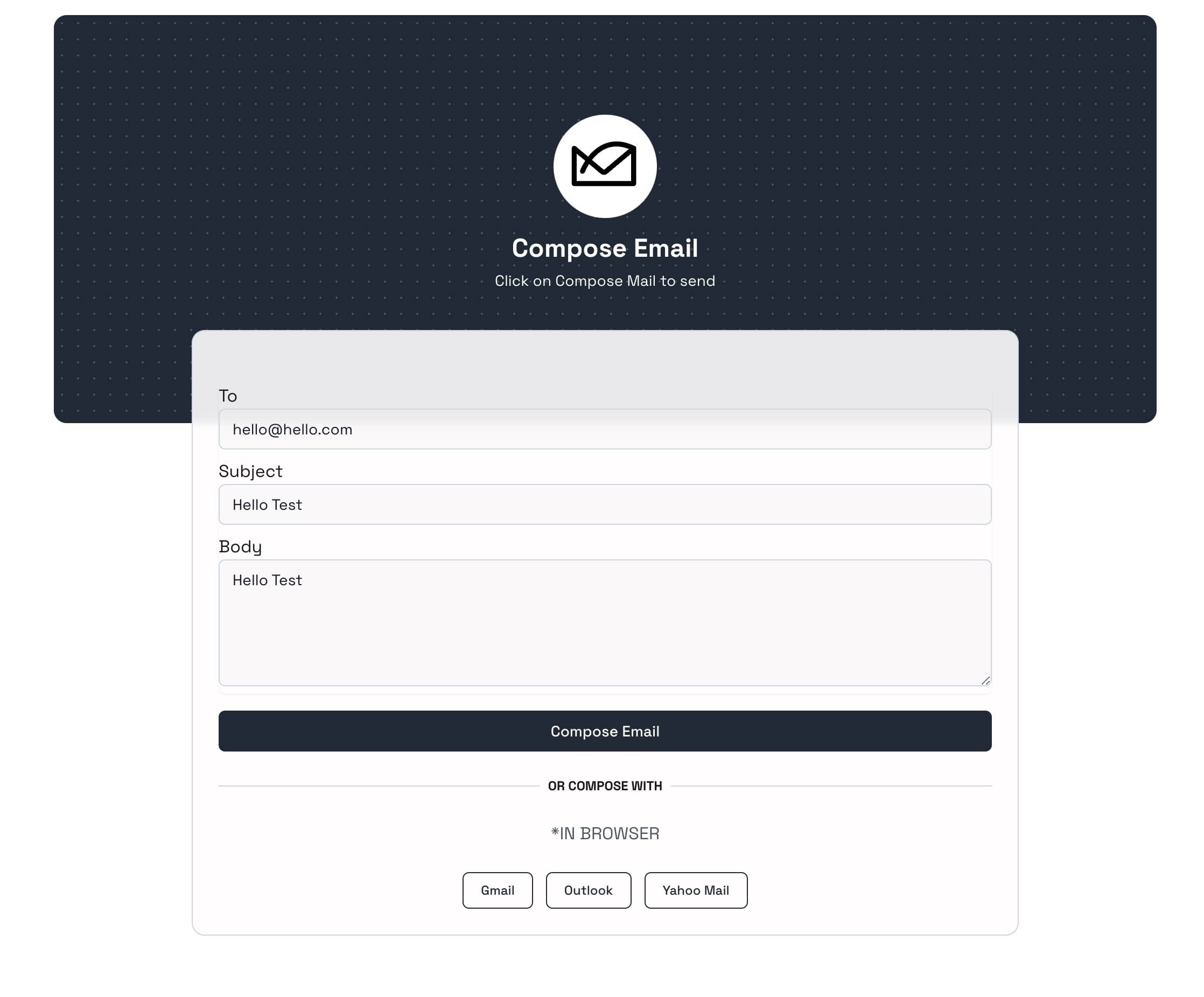
Set the recipient, subject, and optional message before you share. Visitors get a ready-to-review draft in their email app and stay in control of what they send.
- Recipient
- Subject
- Message

Mailto link toolkit
MailXto turns one pre-filled email draft into the formats you need for web, social, and print—without making visitors type the same details from scratch.
Pre-filled drafts
Set the recipient, subject, and optional message before you share. Visitors get a ready-to-review draft in their email app and stay in control of what they send.
Short URL
Share a compact MailXto URL in buttons, social profiles, email signatures, and documents instead of pasting a long email link.
mailxto.com/your-linkDownloadable QR code
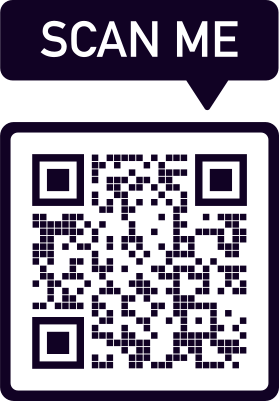
Add the QR code to posters, signs, or business cards so people can start the draft from their phone.
HTML mailto code
Copy the generated mailto URI into an anchor's href to turn text or a button into a clickable email link.
<a href="mailto:[email protected]?subject=Hello">Email us</a>Practical guidance for creating, sharing, and troubleshooting clickable email links.
A mailto link is a clickable email link that opens a new draft in the visitor's default email app. It can pass the recipient, subject, message, and optional CC or BCC details to that draft. It never sends the email automatically; the visitor can review, edit, and choose whether to send it.
Enter the recipient and subject, add an optional message, then select Generate Link. MailXto's Mailto Link Generator creates a short URL, the underlying mailto code for your website's HTML, and a downloadable QR code. Choose the format that best fits where you plan to share it.
You can add a recipient, subject, and optional message. CC, BCC, and multiple recipients are available with Premium. These details appear in the visitor's draft to save them time, but they remain free to edit any field before sending.
Use the short link anywhere clickable links are supported, such as a website button, contact call-to-action, email signature, social profile, or digital document. The QR code is useful for posters, signs, business cards, and other printed material where someone can scan it with a phone.
Mailto links rely on the browser and device's mail-handler settings. If the wrong app opens—or nothing happens—the visitor may need to set a default email app or enable its browser handler. If every visitor must be able to submit a message without a configured email app, a web contact form is a better option.