Pre-filled drafts
Make the first message easier to send
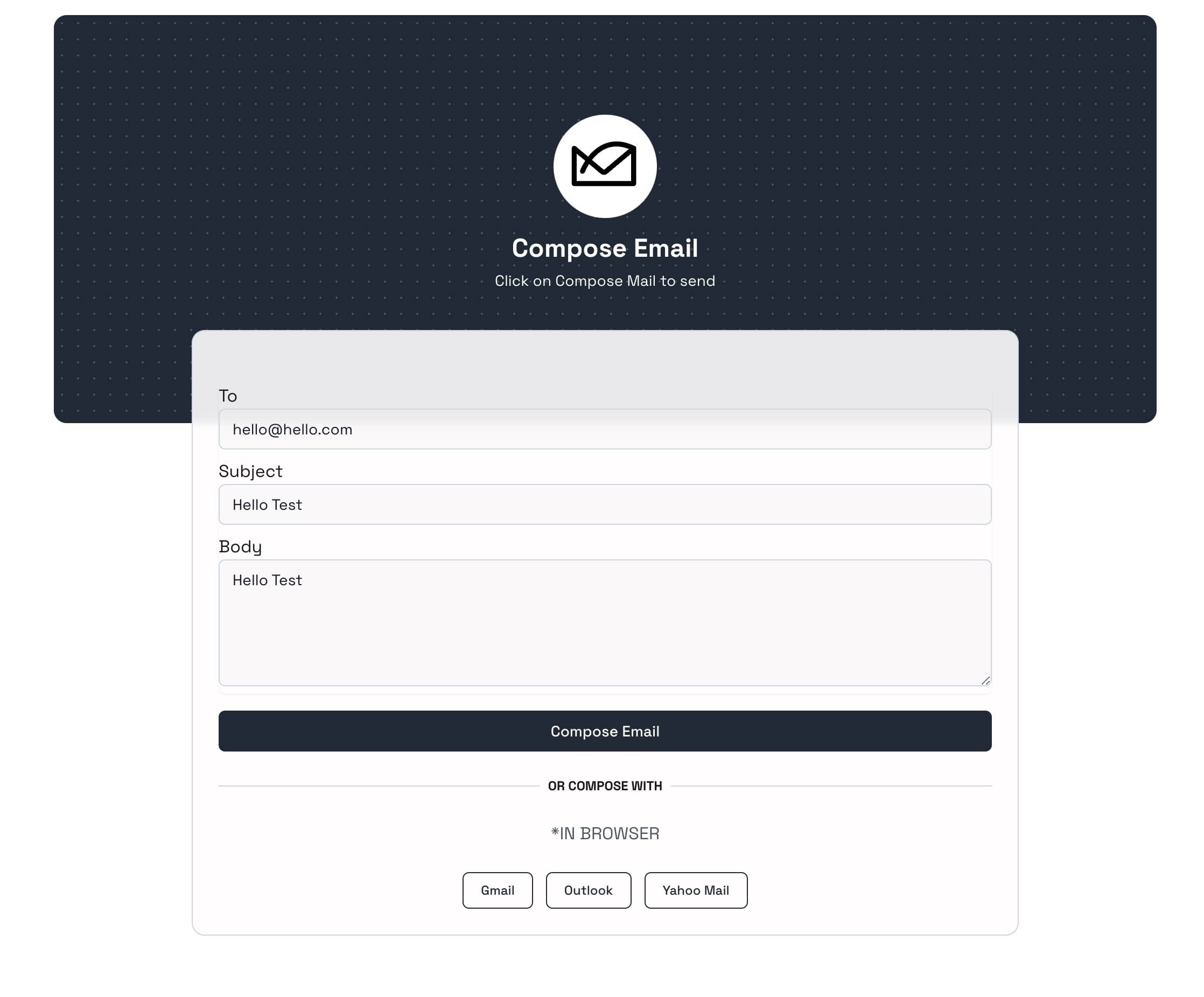
Set the recipient, subject, and optional message before you share. Visitors get a ready-to-review draft in their email app and stay in control of what they send.
- Recipient
- Subject
- Message

Mailto link toolkit
MailXto turns one pre-filled email draft into the formats you need for web, social, and print—without making visitors type the same details from scratch.
Pre-filled drafts
Set the recipient, subject, and optional message before you share. Visitors get a ready-to-review draft in their email app and stay in control of what they send.
Short URL
Share a compact MailXto URL in buttons, social profiles, email signatures, and documents instead of pasting a long email link.
mailxto.com/your-linkDownloadable QR code
Add the QR code to posters, signs, or business cards so people can start the draft from their phone.
HTML mailto code
Copy the generated mailto URI into an anchor's href to turn text or a button into a clickable email link.
<a href="mailto:[email protected]?subject=Hello">Email us</a>